

SplinQ Shopping Firefox extension
Do you remember SplinQ Shopping project which we released half a year ago? Currently it’s primary focus is on Dutch market, so in the case you missed it – SplinQ is a community site that makes online shopping cheaper and easier. You automatically save on everything you buy online! You sign up for free so the shop can identify you and we can give cash back to you.
Well, reactions to the project were overwhelming, and people like it a lot! But, the biggest complaint from users is that when they have to buy something – they are in a hurry and they completely forget about existence of SplinQ. In a survey among people that saw SplinQ, but do not use it, conclusion is that no matter they would save money by using it, they just forget to go to SplinQ. So, we came up with the solution to that – completely free 100% secure and easy to use SplinQ Shopping Firefox extension (beta)! Wheeee! :)
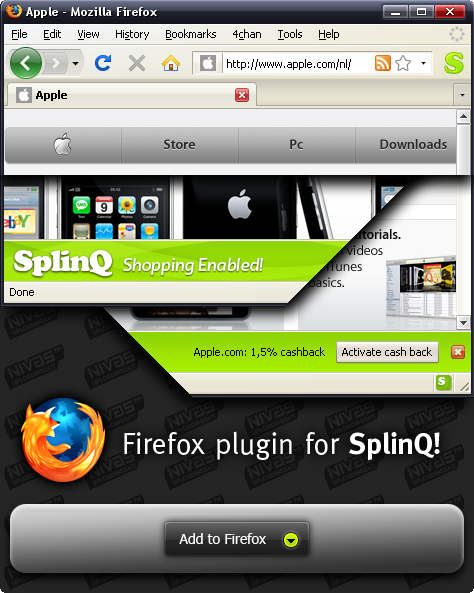
SplinQ Shopping Firefox extension runs on Firefox 2 and 3, it will be hosted at addons.mozilla.org as soon as it gets reviewed by Mozilla guys, but for now you can get it here. You may have to right click to download it, then drag the file onto your browser window. This is beta version, and functionality may change in future. Since Firefox has nice update functionality, your browser will update add-on automatically and you don’t have to worry about a thing.
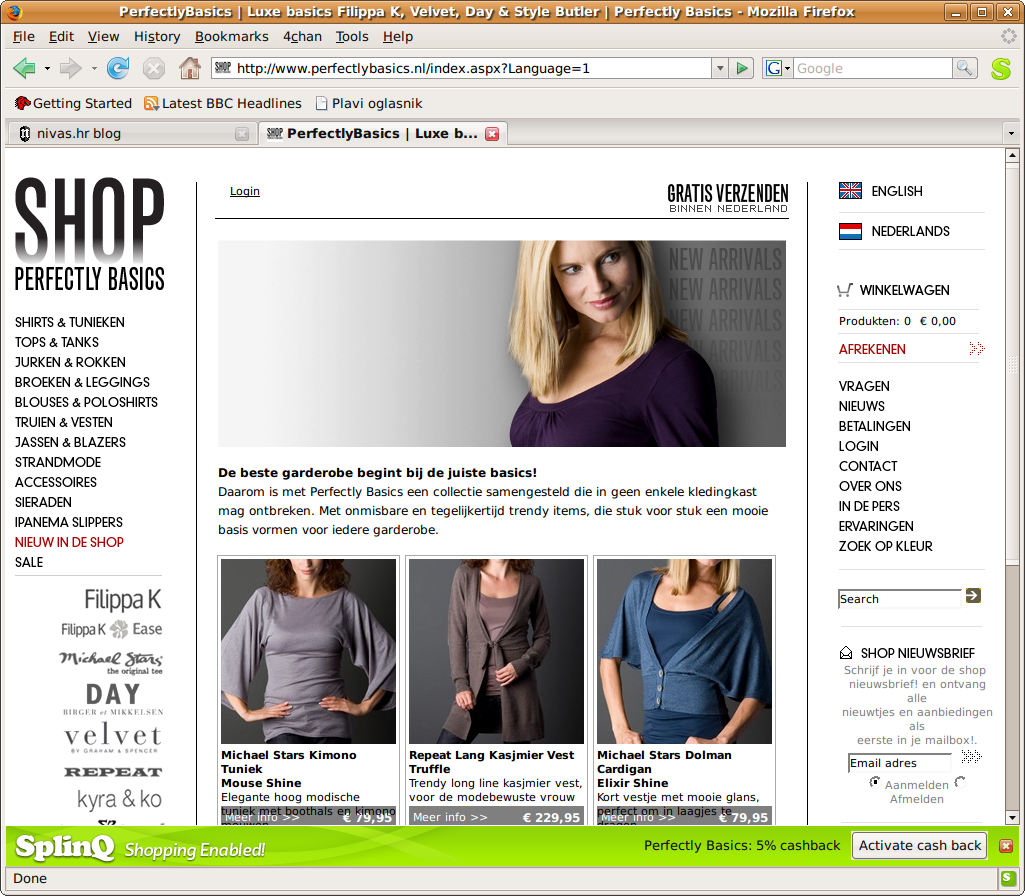
Once you have installed SplinQ Shopping add-on into your Firefox, you will notice 2 grayed out letters “S”. First in main toolbar (right of the address and search bar), and second one down right in Firefox status bar. That means add-on is working perfectly. Now, you can try it out by surfing to website of any store found in SplinQ store database. Eg. try navigating to Perfectly Basics web shop ( perfectlybasics.nl ). Once you are on site, add-on will detect it and if that specific store is found in SplinQ store database, it will alert you that cashback is available by changing the color of letters “S” to SplinQ green color ™ and showing an information on toolbar in bottom of your browser. You can disable alert for specific site by clicking on [x] icon on the toolbar, and you can enable it again by left clicking on little “S” in the status bar and selecting “Show toolbar…”.
Your feedback on extension is more than welcome.
Screen shot of SplinQ extension running under Ubuntu
2 thoughts on “SplinQ Shopping Firefox extension”
August 25, 2008 at 23:15
Ha! Ubuntu! Ha!